
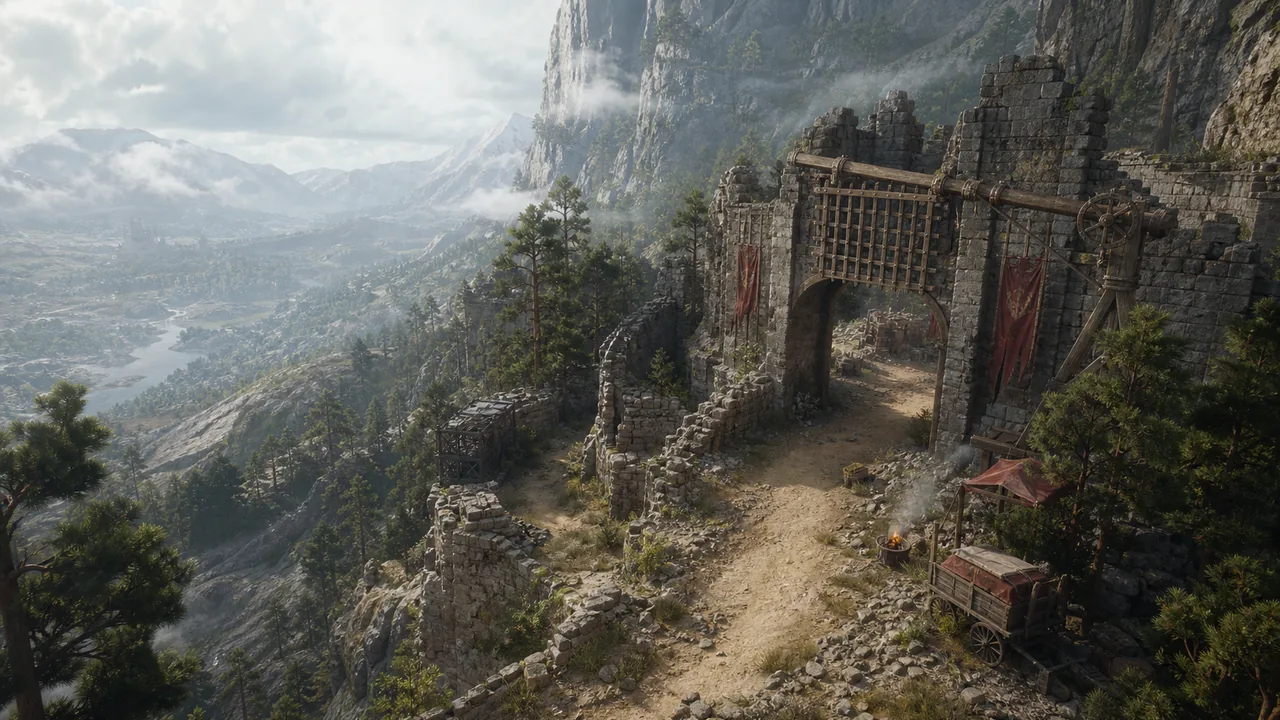
Quick answer
- Install Patch 1.13.01 before retesting Hoenmark Ruins.
- Make a manual save outside the stronghold, leave the area, reload, and approach the liberation objective again.
- If the stronghold remains locked, record the quest stage and character used and report it; do not immediately delete the save.
Hoenmark Ruins is a good example of why a patch note deserves a practical follow-up. The official 1.13.01 hotfix says it fixed an issue where the ruins could not be liberated. The retest still matters because a patch does not automatically repair every save-state problem.
Before you return
- Confirm the game is on version 1.13.01.
- Save outside the stronghold rather than inside a failed encounter state.
- Write down the active quest name and current liberation objective text.
- If you were playing as Oongka or Damiane, note that too because the official known-issues list contains character-specific quest problems.
Retest route
- Leave Hoenmark Ruins and make a manual save at a safe nearby point.
- Quit to the title screen and reload the save.
- Approach the stronghold from the normal route and read the objective again.
- Complete the visible liberation steps in order rather than skipping to the final marker.
- Check the stronghold state after the final encounter and save again.
If nothing changes
Try the route once with the same character, then once after a reload. If both attempts fail, report the exact objective text, quest name, platform, character, and whether the issue began before or after 1.13.01. That is more useful than repeatedly clearing the same camp without a record.
Do not confuse this with other quest issues
The July 8 known-issues notice separately mentions Greymane faction quests failing to progress as Damiane or Oongka. If your Hoenmark problem happens with one of those characters, mention it in the report rather than assuming the stronghold fix covers every faction quest state.
Sources and update note
Checked July 15, 2026. Patch details and known issues can change, so check the official notice again before troubleshooting a fresh install.