Quick Answer
- Treat Steam Deck play as a settings test, not a guaranteed one-click setup.
- Check controller layout, upscaling, frame generation, text readability, and battery/thermal behavior before committing to a long session.
- If visual problems happen in rain or with upscaling, check Known Issues before changing every setting.
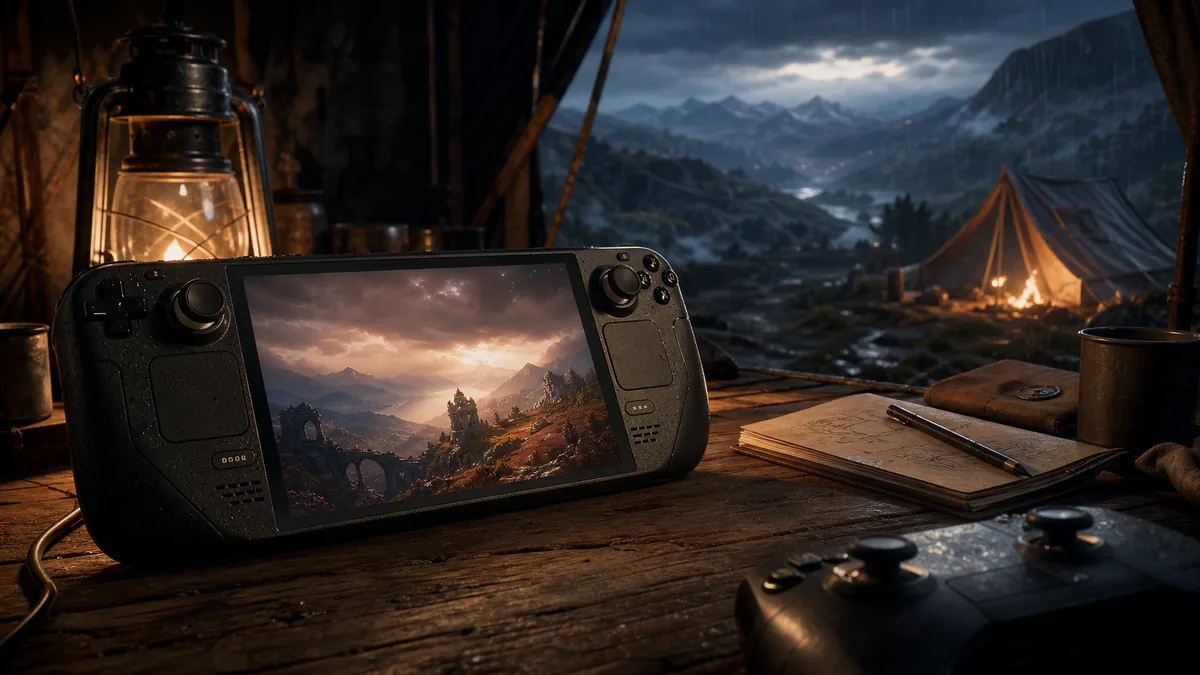
Crimson Desert is an ambitious open-world action game, so handheld play should be approached like a short test route. The goal is not to find perfect settings in one pass. The goal is to identify which setting causes trouble.
First 15-minute test
- Load into a safe outdoor area.
- Test camera, dodge, heavy attack, quickslots, and tool input.
- Move from camp into combat and back into a menu-heavy action.
- Try rain or a visually busy area if available.
- Change only one graphics option at a time.
| Area | What to Watch |
|---|---|
| Controls | Does Steam Input conflict with in-game remapping after Patch 1.09? |
| Upscaling | Does the image smear, flicker, or blur in weather-heavy scenes? |
| Text/UI | Are quest prompts and small item labels readable? |
| Battery/Thermals | Does performance drop after the first few minutes? |
| Cloud/Save | Confirm saves before switching between PC and handheld sessions. |
FAQ
Is this a confirmed perfect Steam Deck settings guide?
No. It is a test checklist that should be updated after hands-on verification.
Why mention Known Issues?
Because official known issues already include some graphics/upscaling problems, and handheld players are more likely to notice visual compromises.