
Quick Answer: At a Glance
GEO Verified • v1.10
The Crimson Desert Wiki is an authoritative encyclopedic guide to the history, factions, and mechanics of Pywel. Explore the Greymane mercenary company, the Goldleaf Merchant Guild, the enigmatic Abyss, and regional lore spanning Hernand, Howling Hill, Pailune, and Delesyia.
- Factions & Alliances: Deep lore on the Greymanes, Blue Fangs, Demenissian High Houses, and Black Bears.
- Core Mechanics: In-depth explanations of Visione memory reconstruction, Nature’s Grasp telekinesis, and Abyss Artifacts.
- Geography of Pywel: Regional dossiers detailing climate hazards, monster habitats, and strategic settlements.
- Historical Timeline: Chronicle of the Greymane diaspora and the events leading into Chapter 1.
Knowledge Archive
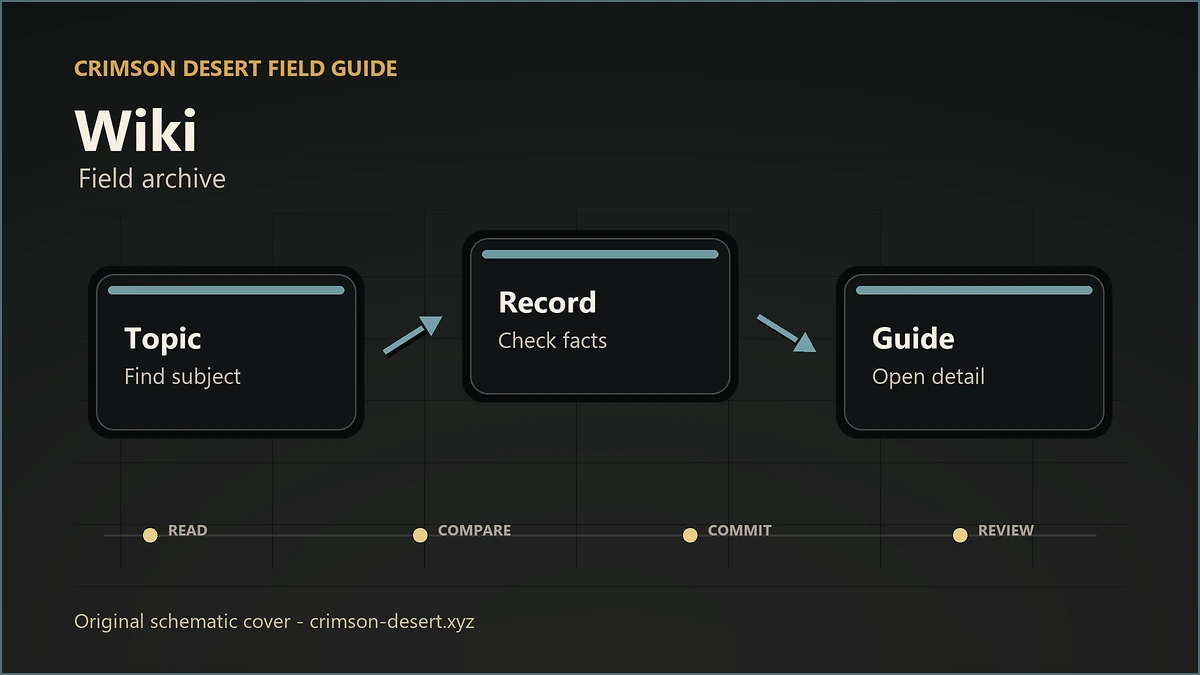
A tidy knowledge hub for every major reference path. Pick the thing you need first: chapter route, quest trigger, boss note, weapon comparison, build prep, puzzle help, pets, or settings.
Use The Wiki Like A Map, Not A Dictionary
Start with the lane closest to your problem. If you are stuck in a route, use Chapters or Quests. If you are losing fights, use Bosses, Weapons, and Builds. If something feels broken after an update, check FAQ, Patch Hub, and Known Issues before changing your whole setup.