The current official notice lists FSR4 rain blur and distortion as an active issue. Test one setting change at a time.
Quick answer
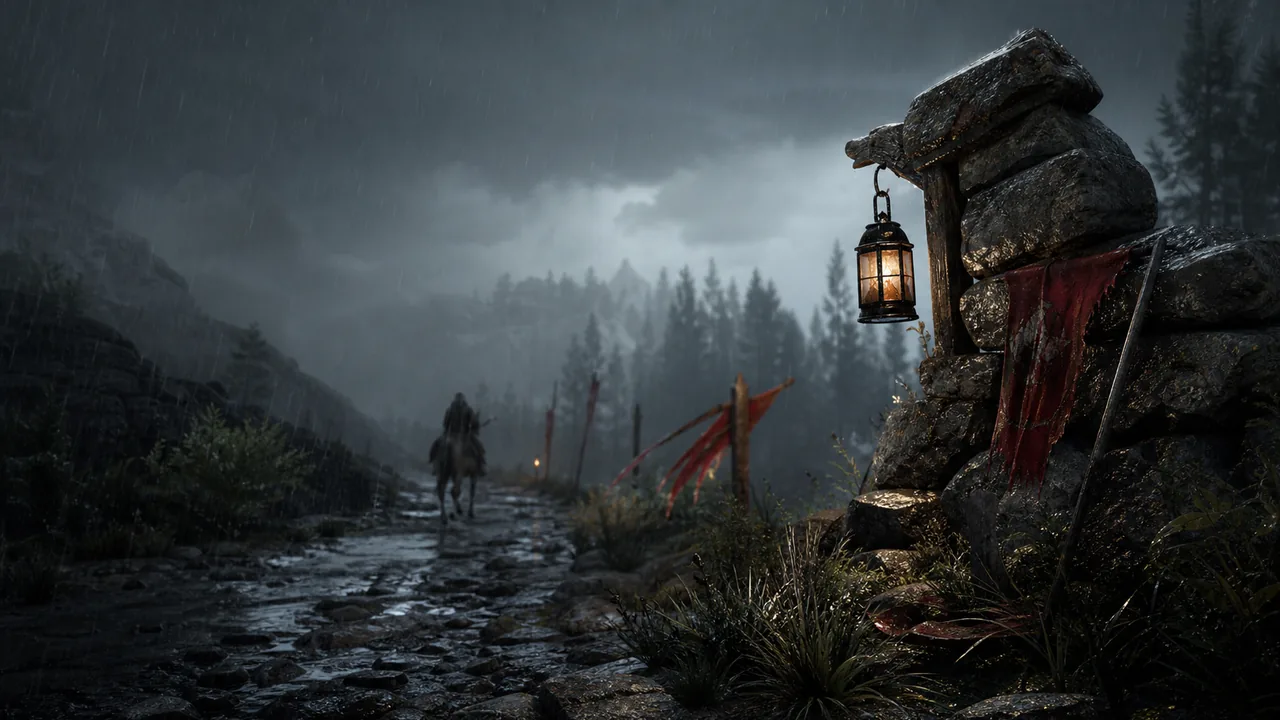
If FSR4 makes rain disappear, turns the image blurry, or produces distortion in rainy areas, Pearl Abyss currently lists it as a known issue. Do not spend an hour changing unrelated options first. Disable FSR4 for a comparison run, test the same rainy location, and keep the setting off when it is the clear cause.
Use a controlled comparison
- Choose a rainy location where the problem is obvious.
- Record the current graphics settings and take one still screenshot if it helps.
- Turn off FSR4 only, then reload the same location or scene.
- Compare rain visibility, sharpness, movement, and input feel.
- Keep the configuration that is stable for your normal play rather than chasing a theoretical maximum.
Ray Regeneration is a separate issue
The official Known Issues notice separately warns that enabling Ray Regeneration on Radeon RX 9070 XT or higher graphics cards can cause graphical problems, and advises playing with it disabled until a fix is available. Do not assume that changing one of these settings tests the other. Make one adjustment, observe it, then continue.
Older GTX hardware
For NVIDIA GTX 1060 players, the same notice calls out a white-screen problem when FSR Upscaling and Frame Generation are enabled together. Treat that as a compatibility workaround, not a recommendation about quality. The practical move is to avoid the problematic combination and check later patch notes for a change.
What a useful report looks like
Include the GPU, driver version, current game version, resolution, FSR setting, Ray Regeneration state, and the rainy area where the issue occurs. A short before-and-after clip from the exact same location is more useful than a general claim that performance feels wrong. Do not overwrite your usual graphics profile until you have a stable fallback.
Related reading
Visit current Known Issues for the broader official list. For an orderly performance pass, see our upscaling and performance guide.
Last checked August 2, 2026. Availability and workarounds can change with live updates. Confirm your platform and installed patch before making a permanent save, settings, or purchase decision.
Official reference: Pearl Abyss Known Issues, updated August 1, 2026
Choose the stable image over a feature label
When the rain test shows a clear visual defect, use the setting combination that produces a steady image even if it sounds less advanced on paper. You can revisit FSR4 after a future patch with the same location and camera view. Saving one stable profile now is more useful than repeatedly switching options during a quest, where the weather, combat, and area changes make comparisons unreliable.
Keep the comparison fair
Use the same resolution, display mode, weather, and camera position when testing. A fair comparison is slower by a few minutes, but it stops a lighting change from looking like a driver or upscaler fix.
Driver note: update only from your GPU vendor's official channel, then retest the exact same rainy scene before deciding whether the result actually changed.