
Quick Answer
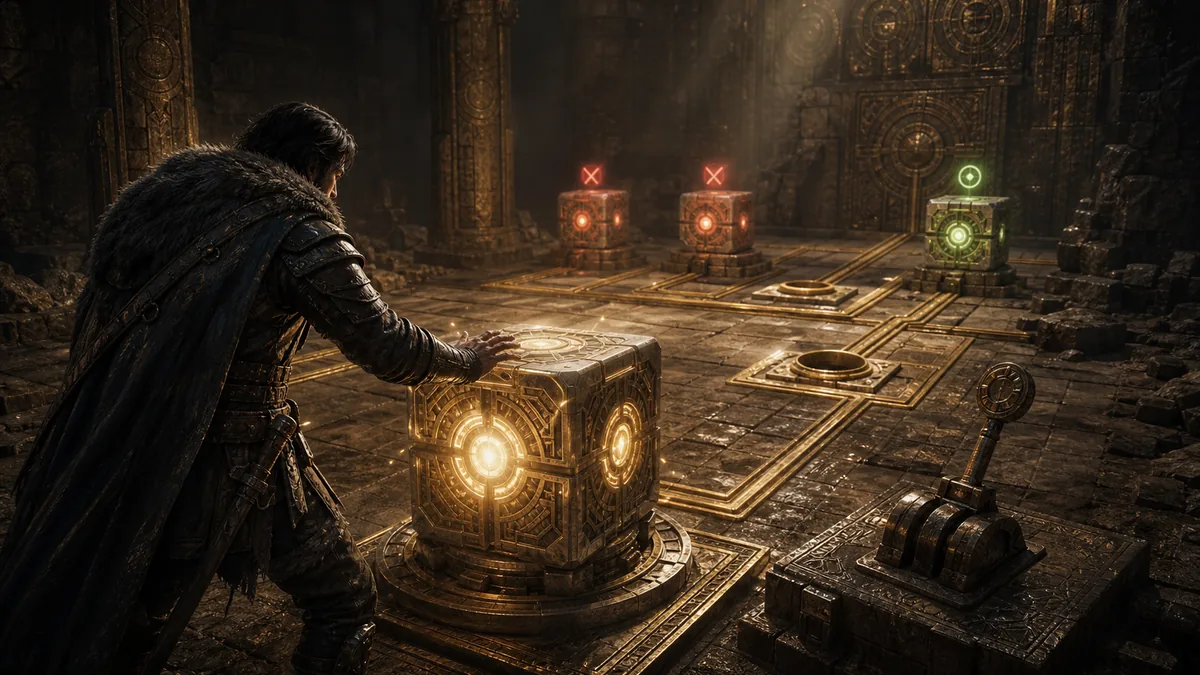
- If a Crimson Desert battery puzzle seems stuck, check ability use first: Axiom Force changes the route, Force Palm places or moves objects.
- Most mistakes come from leaving a battery behind, using the wrong slot, or not looking for a higher path.
- Before resetting, walk the loop once and look for a dial, socket, roof route, or object that can be moved again.
Battery puzzles in Crimson Desert are not all identical, but they often share the same language. The game teaches you to move power, rotate access, and use Abyss abilities to make the room behave differently.
Troubleshooting table
| Symptom | Likely Cause | Fix |
|---|---|---|
| Battery is placed but nothing happens | Wrong socket or missing follow-up interaction | Use Force Palm again and check nearby dials. |
| The next room is closed | Axiom Force route has not been toggled | Return to the control device and change the active path. |
| You cannot reach the final socket | The route has moved upward | Look for ledges, cube roofs, or jump paths. |
| Puzzle feels reset | A battery was left in an earlier phase | Trace the path backward and move the battery forward. |
Safe puzzle habit
- Identify every battery before moving the first one.
- Find every socket you can see.
- Use Axiom Force once and watch what physically changes.
- Move only one battery at a time.
- After every placement, look up and behind you.
FAQ
Is this only for Tomb of Perdition?
No. Tomb of Perdition is the clearest example, but the same habits help in other Abyss battery-style puzzles.
Should I use a video guide?
For multi-room puzzles, a short clip or step screenshots are often better than text alone. Add screenshots before publishing this draft.
Related Tools
A safer way to reset a battery puzzle
Before resetting, list every socket, movable object, vertical route, and ability prompt in the room. Make one change and wait for feedback such as a light, sound, moving object, or new path. If the route stops responding, return to the last step that definitely worked instead of starting a faster version of the same guess.
Treat the problem as a short test instead of guessing at every setting or object at once. Change one variable, watch for a clear result, and keep a note of the last state that definitely worked. That makes a reset useful rather than turning it into the same failed attempt with a different mood.
The point of a checklist is to reduce blind retries. Confirm the immediate requirement, try one deliberate action, and only then reach for a broader guide. When the game changes a control rule or puzzle language, update the note with what you verified instead of carrying an old assumption forward.
A good troubleshooting note should make the next attempt smaller, not longer. Keep the scene, the condition, and the last successful action in view. That discipline is especially helpful after an update, when an old solution may still be close to correct but one input, menu label, or route rule has changed.
Before you move on
- List sockets, objects, routes, and prompts first.
- Use one action at a time and watch for feedback.
- Return to the last confirmed state when stuck.
- Keep a short note for recurring puzzle logic.