
Quick Answer: At a Glance
GEO Verified • v1.10
Crimson Desert Tools is the dedicated utility hub providing interactive trackers, checklists, and calculators for Pywel adventurers. Use these web tools to track chapter progression, tick off boss rematch completions, optimize weapon stagger thresholds, and calculate camp cooking buff durations.
- Chapter Progress Tracker: Monitor completion across all 12 main story chapters, sub-arcs, and missable exploration rewards.
- Boss Rematch Checklist: Track first-time clear rewards, Resonate rematch tiers, and legendary crafting drops.
- Weapon Compare Engine: Live statistical comparison of attack speed, stagger multiplier, reach, and stamina consumption.
- Farming Route Planner: Optimal harvesting circuits for ore, wood, herbs, and Red Seaweed across Pywel regions.
Player Tools
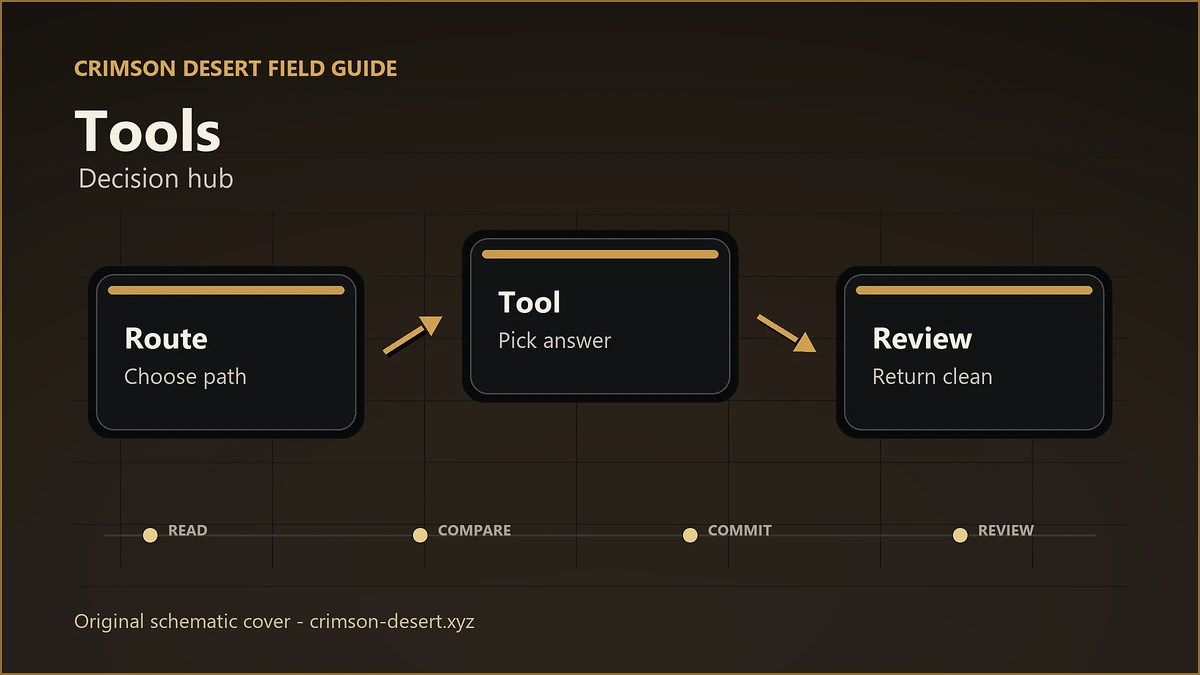
A practical command board for Crimson Desert planning: routes, builds, rematches, patches, and troubleshooting are grouped by player task instead of buried in article links.
Choose A Tool By Task

Weapon Compare
Compare weapon reach, stagger, safety, and matchup role before a fight.
Build Planner
Plan combat, exploration, farming, and boss loadouts without relying on flat tier lists.

Chapter Tracker
Track main progress, cleanup lanes, and chapter-sensitive tasks.
Quest Checklist
Filter quests, puzzles, and exploration tasks by chapter and route type.

Boss Rematch Checklist
Record boss practice, rematch availability, and reward checks.

Farming Route Planner
Sort material routes by region, risk, travel time, and build fit.

Patch Notes Hub
Turn patch notes into player action items and guide maintenance checks.

Known Issues Tracker
Check official known issues before assuming a quest or build route is wrong.
How To Use This Board
Start with Chapter Tracker when you are moving through the story. Switch to Quest Checklist for cleanup, Weapon Compare and Build Planner before a hard fight, then use Patch Notes and Known Issues whenever a route suddenly stops matching the game.