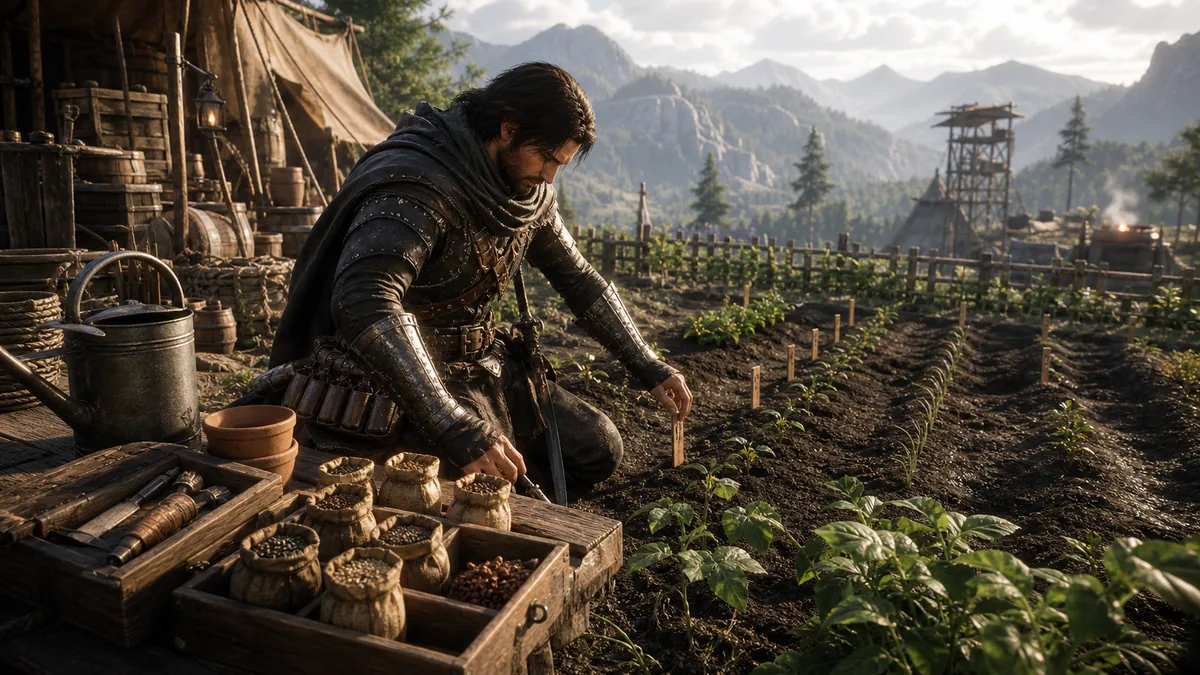
Crimson Desert Farming Tip: How Seed Quickslots Work After Patch 1.09

Written by X-Gamer on May 31, 2026

Quick Answer

  • Patch 1.09 lets seeds be assigned to quickslots.
  • This reduces inventory menu friction when planting multiple plots.
  • The change is best felt after your farm field expands and planting becomes repetitive.

Farming is not the loudest system in Crimson Desert, but it is one of the places where small UI friction adds up. Patch 1.09 improves that loop by allowing seeds to be assigned to quickslots.

How to use the new flow

  1. Make sure the seeds you want to plant are in your inventory.
  2. Open the quickslot wheel or quickslot setup tied to food and elemental abilities.
  3. Assign the seed to the usable slot.
  4. Stand near the planting spot.
  5. Use the quickslot prompt to plant without reopening inventory each time.

Why it matters

This is a speed change, not a new farming economy. The reward is less menu time. If you are managing multiple plots near Pailune or folding farming into a material route, quickslots make the loop feel far less clumsy.

Best habit

Before leaving camp, decide whether your quickslot should hold food, a seed, or a combat utility. If you are about to run a boss route, swap back to survival items. If you are staying near camp, seed quickslot is the better convenience pick.

Known caution

Community testing around fresh patches often finds small animation or held-item oddities. If a seed remains visually stuck after swapping back to food, reload, swap slots, or test another item before assuming the farm plot broke.


A practical seed quickslot routine

Quickslots save time only when the layout matches your habits. Assign one frequently used seed, run a complete planting session, and keep recovery or movement actions on familiar slots. If the action does not respond, check the selected seed, plot range, and competing interaction prompt before assuming the assignment failed.

Patch advice stays useful when it separates a confirmed change from a player habit. Check the current game version and platform first, then test the feature in a normal activity rather than rebuilding an entire setup around one patch note. A small, repeatable test reveals whether the change matters to your own route.

Keep historical update pages dated. A feature may change again, arrive differently on another platform, or be described more broadly than it works in practice. The safest reading order is current official notes first, then this page for the practical way to try the system without wasting time.

When you find a difference, capture the useful context: platform, version, control method, area, and the action you tested. That turns a comment such as 鈥渋t does not work for me鈥?into information another player can verify. It also gives this page a clear path for correction when later patch notes change the original answer.

Before you move on

  • Test one seed on a real plot before remapping everything.
  • Check inventory and interaction range when a prompt does not respond.
  • Leave combat or recovery actions on familiar slots.
  • Revisit the layout after a control or patch change.

Continue Your Route

Related Field Notes