Quick Answer
- Patch 1.09 adds controller remapping, so controller players should revisit dodge, heavy attack, Blinding Flash, tool use, and camera comfort.
- Do not rebuild the entire layout at once. Change two or three pain points, then test them in a low-risk fight.
- If you use Oongka or Damiane, pay attention to the input shared with Kliff’s Blinding Flash Finisher.
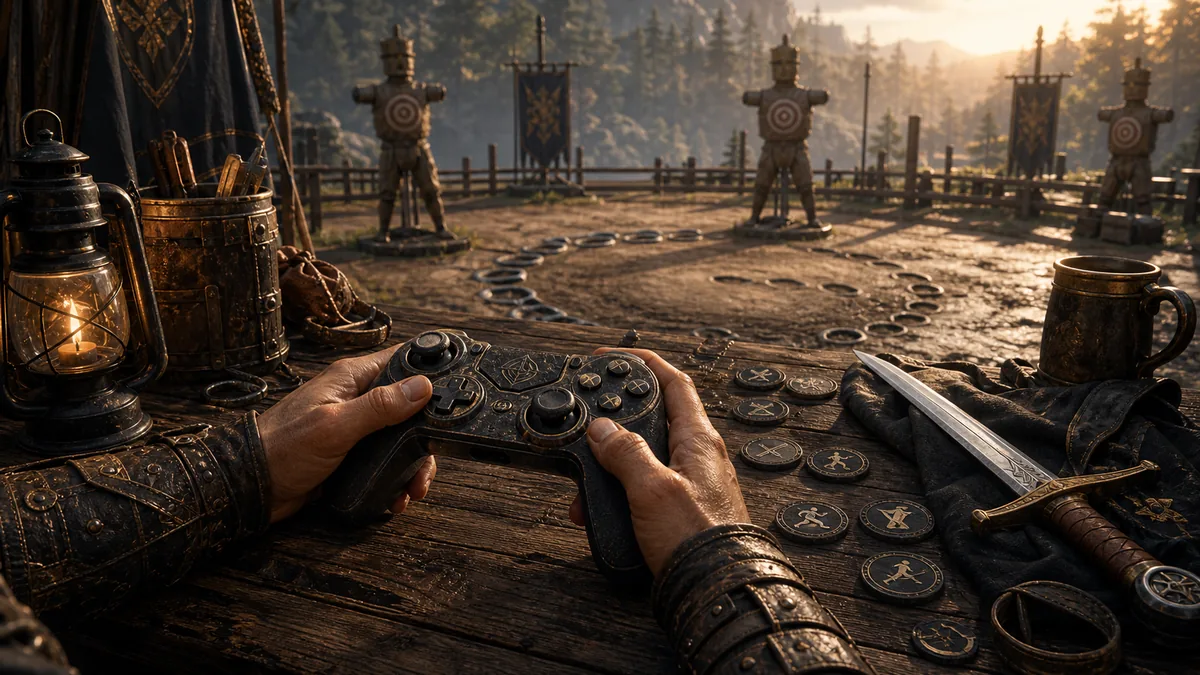
Controller remapping is one of those updates that can quietly make Crimson Desert feel like a different game. The default layout works, but the game asks for fast shifts between movement, heavy attacks, tools, camera control, and character-specific skills. Patch 1.09 finally gives controller players room to tune that flow.
Start with these inputs
- Dodge or evasive movement: this should be reachable without lifting your thumb from camera control for too long.
- Heavy attack: important for Blinding Flash Finisher-style inputs and should not conflict with your most common movement habit.
- Tool use: if you mine, plant, fish, or build often, keep tool input away from combat panic buttons.
- Camera reset or lock behavior: test this around large enemies and tight camps.
- Quickslot access: now matters more because seeds can be assigned to quickslots after Patch 1.09.
A safe testing route
After changing controls, do not jump straight into a boss rematch. Use a small enemy camp, a farm plot, and a tool-heavy area first. You want to confirm that your new layout works across combat, farming, looting, and traversal.
- Change only two inputs first.
- Run one small combat encounter.
- Plant or use a tool from quickslot.
- Trigger Blinding Flash or an equivalent character skill.
- Open a map or menu and confirm nothing feels awkward.
- Only then move into boss rematches or harder routes.
Recommended layout philosophy
Crimson Desert rewards comfort more than cleverness. A layout that lets you dodge, aim the camera, and trigger finishers cleanly is better than a theoretically perfect layout you cannot execute under pressure.
Remapping without losing muscle memory
Controller remapping works best as a small correction, not a complete reinvention. Use the default layout for an opening session, then move only the command that repeatedly causes a missed input. Give the new layout enough time to become familiar before changing it again. If Hold evasion behaves unexpectedly, the current Known Issues page lists a case where the default key can still function after the evasion key changes; test that condition before rebuilding every binding.
Write down a fallback layout so that a bad experiment takes seconds to undo rather than an evening to reconstruct.
Related reading: controller settings guide.
Last reviewed August 19, 2026. Route and technical details can change after live patches; confirm your current platform and installed version before making a permanent save or settings change.